
Thrive · your assistant
Time, plans and routines · by ArborIn testing
A plan that can survive the day.
Bring tasks, projects, routines and scheduled commitments into one realistic picture. Thrive helps you choose what matters now—and reorganise without turning a changed plan into failure.
The problem
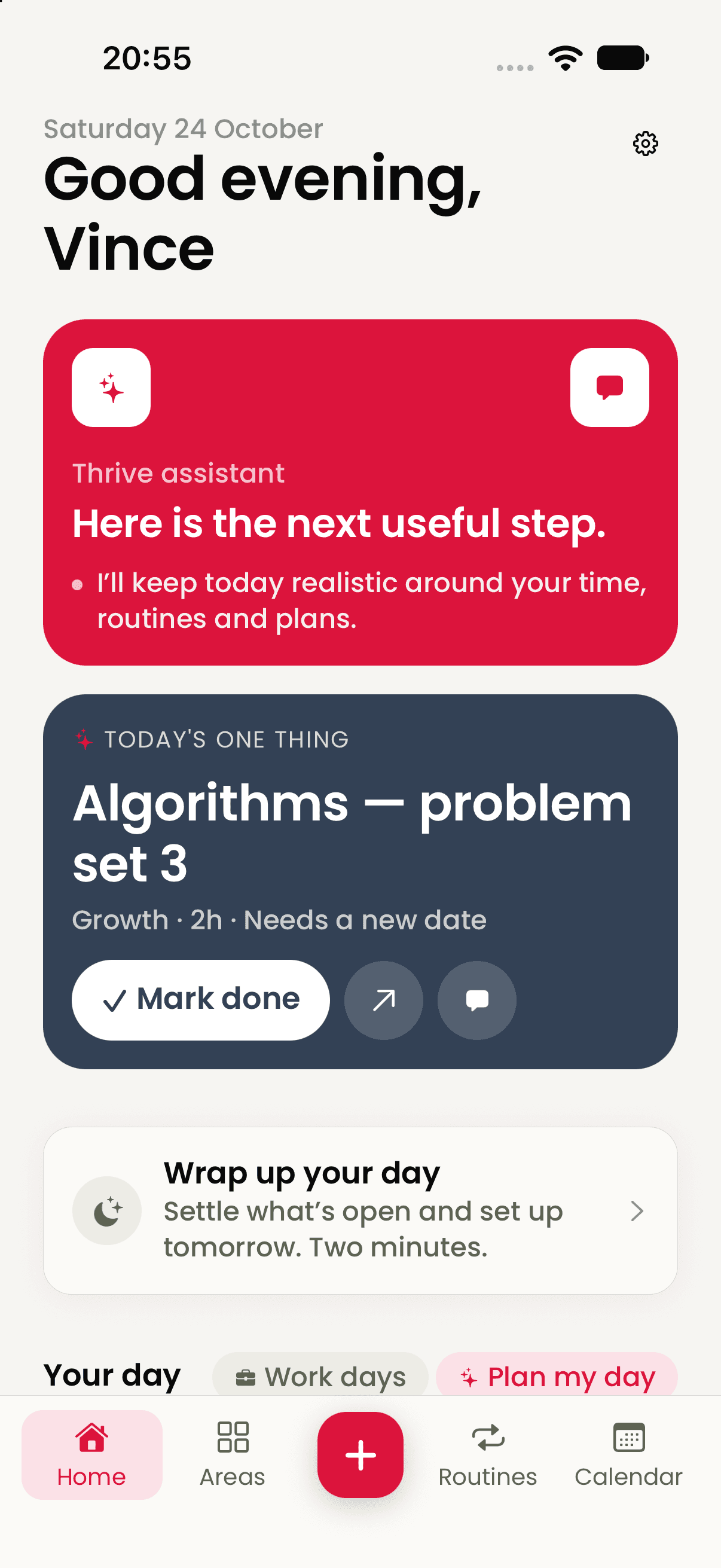
Your tasks are not the same thing as your capacity.
A long list cannot see the appointment already taking half the afternoon, the routine that keeps the evening steady or the project that deserves uninterrupted attention.
Thrive turns those separate demands into a plan for the day you actually have, then helps you revise it when reality changes.
How Thrive works
Capture the noise. Find the next action. Keep the day movable.
- 01
Put it down
Add one task, paste a longer plan or empty a whole brain-dump.
- 02
Give it shape
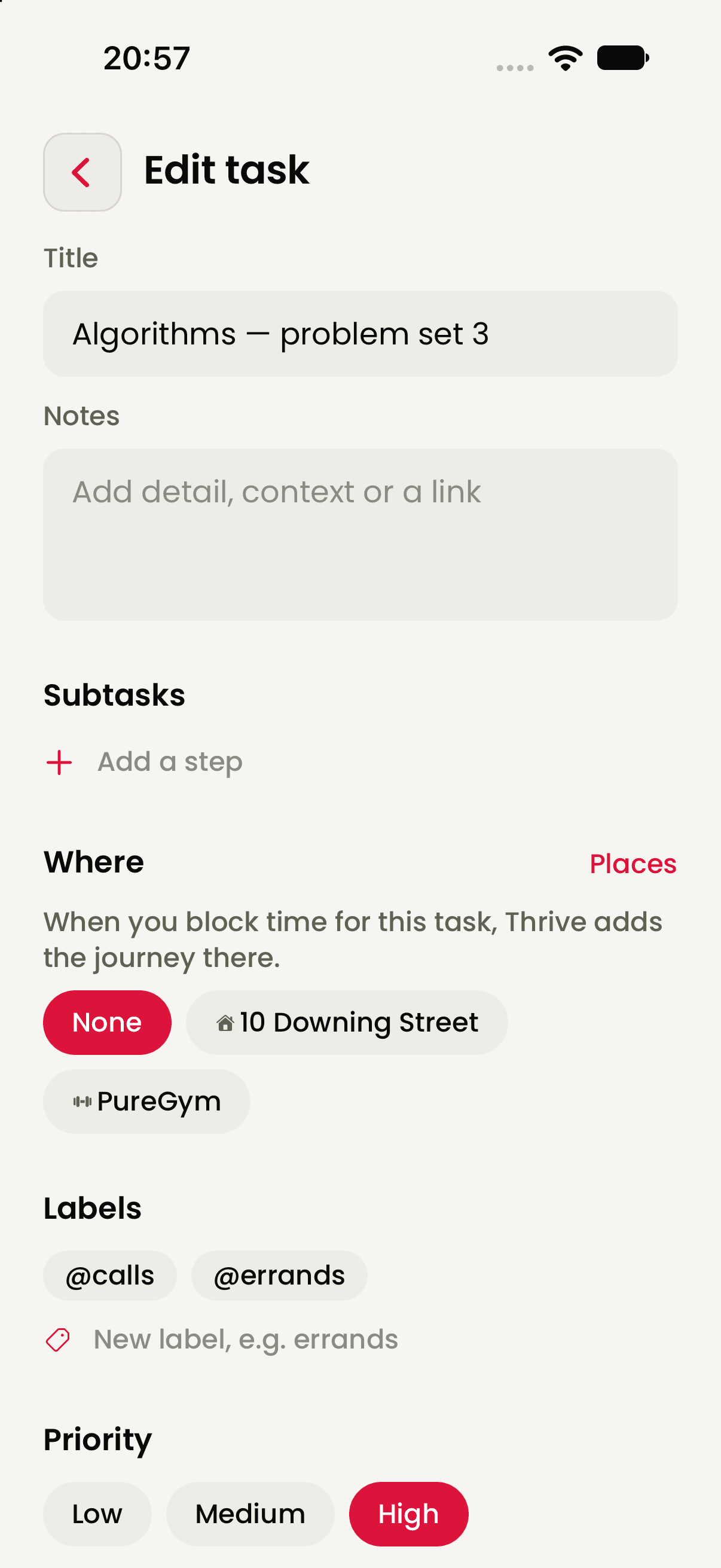
Connect tasks to an area, project, milestone, place, estimate and energy level.
- 03
Commit the day
See routines and commitments together, then choose a realistic focus.
- 04
Close the loop
Finish, move or release open work and set tomorrow up deliberately.
Start untidy
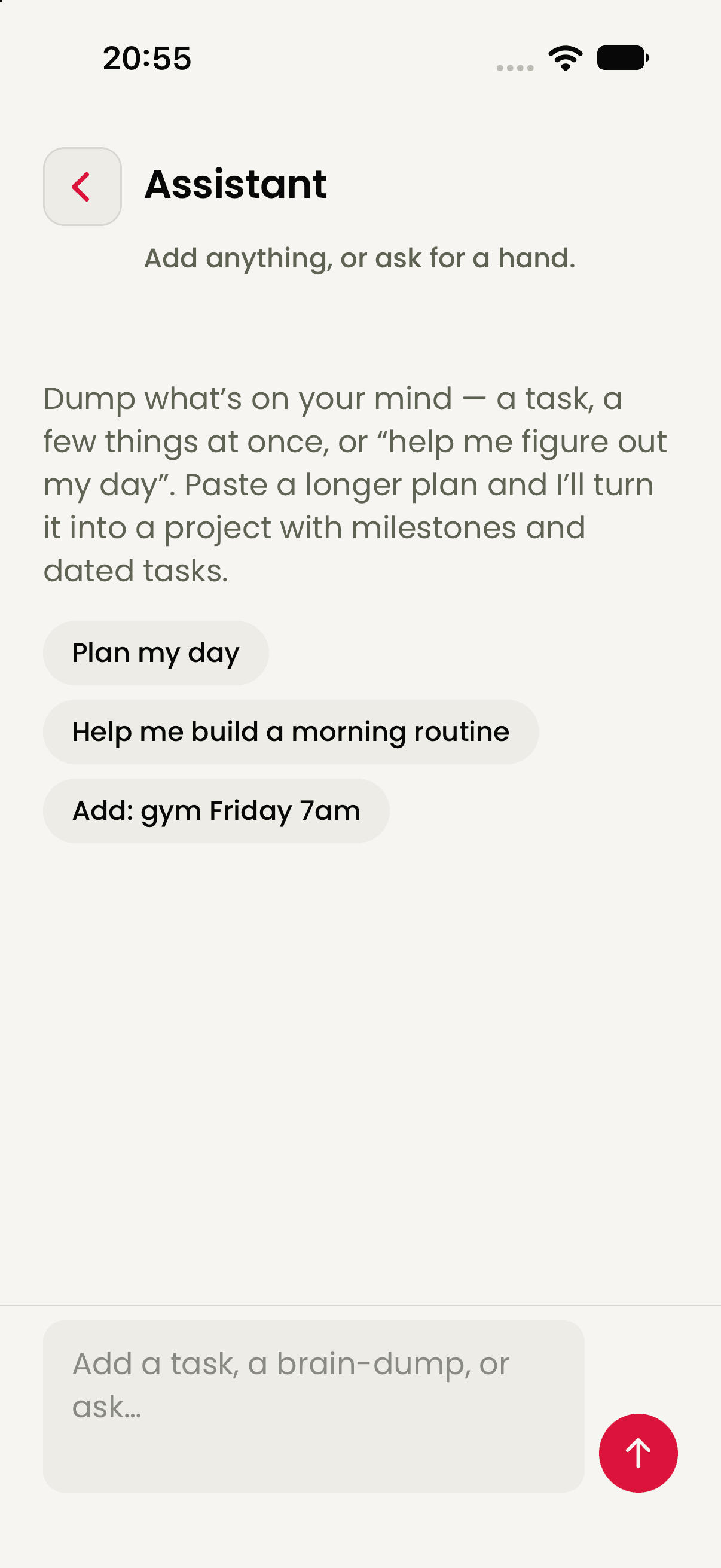
Tell Thrive what is on your mind. Structure can come second.
The assistant accepts a task, several things at once or a longer plan. It can help turn that raw material into a project with milestones and dated tasks, or simply help you work out what today needs.
More than a list
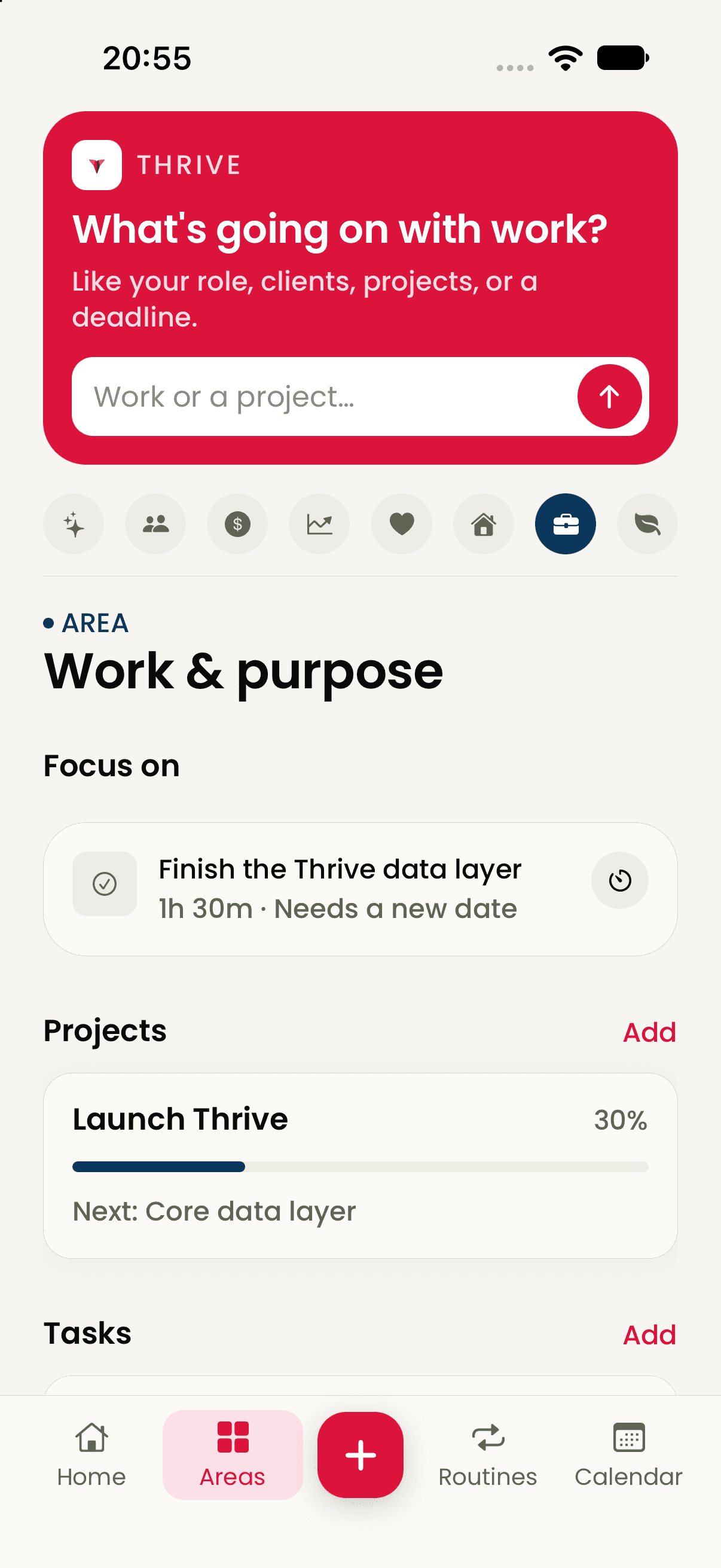
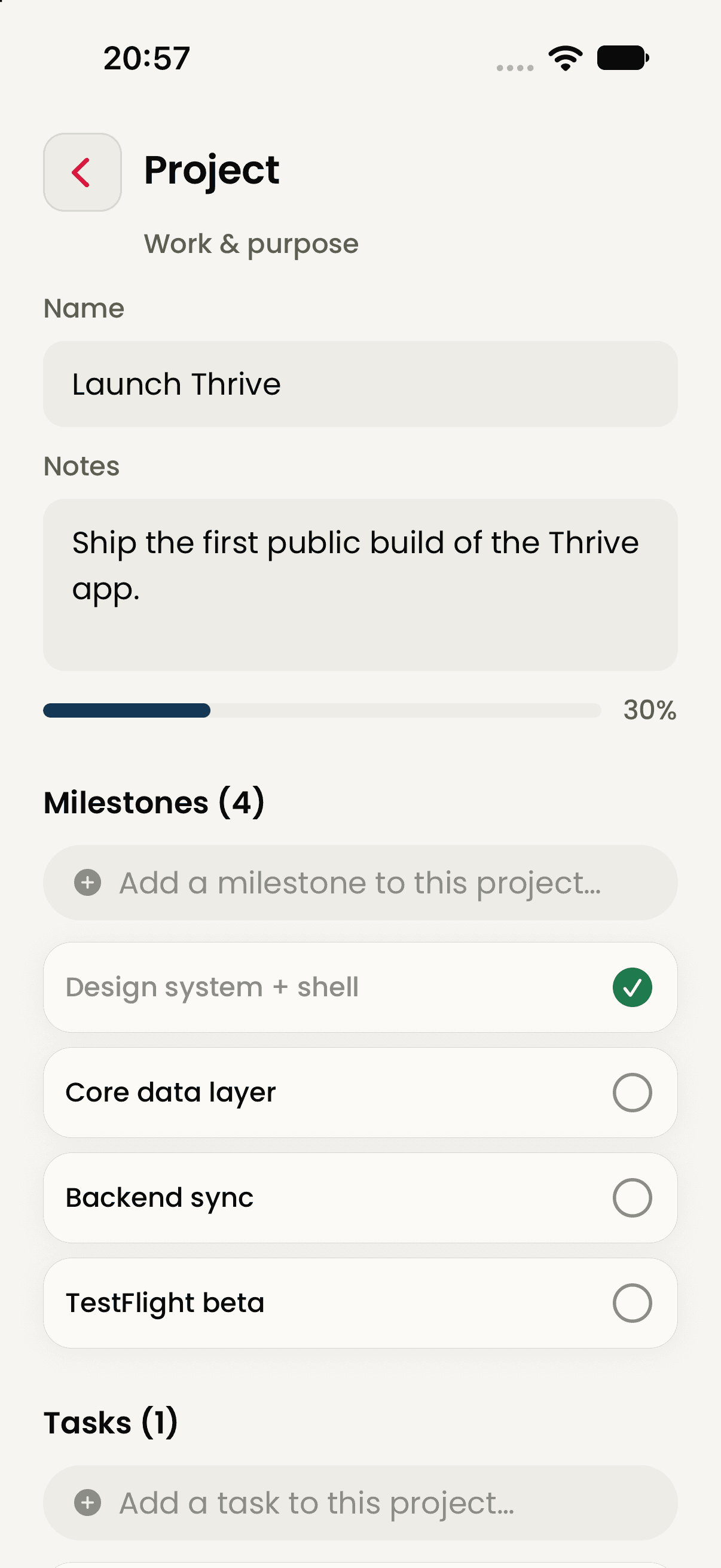
Keep work connected to the part of life it belongs to.
Areas hold the bigger picture. Projects show progress and the next milestone. Tasks carry the practical context needed to fit them into a real day.
A day has a shape
Plan around rhythms, not just deadlines.
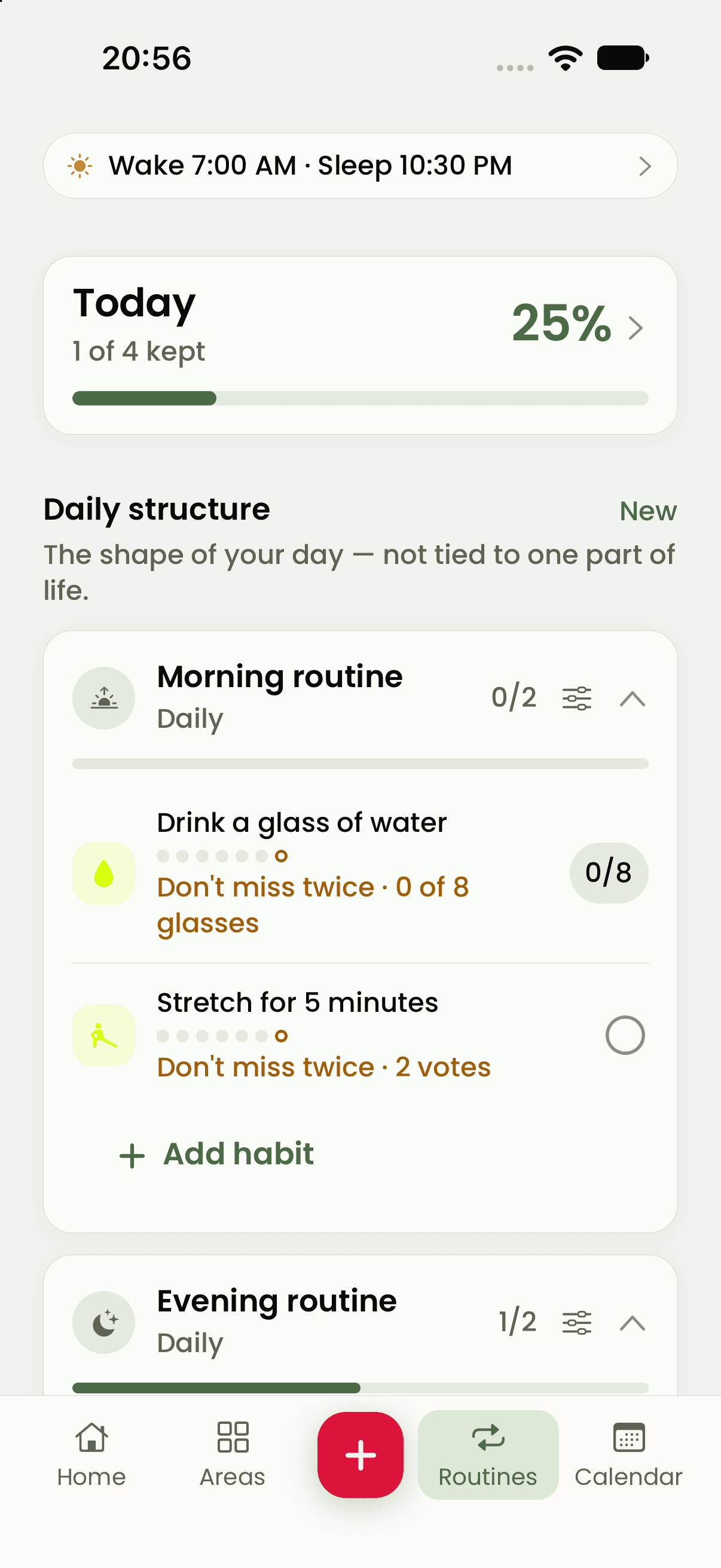
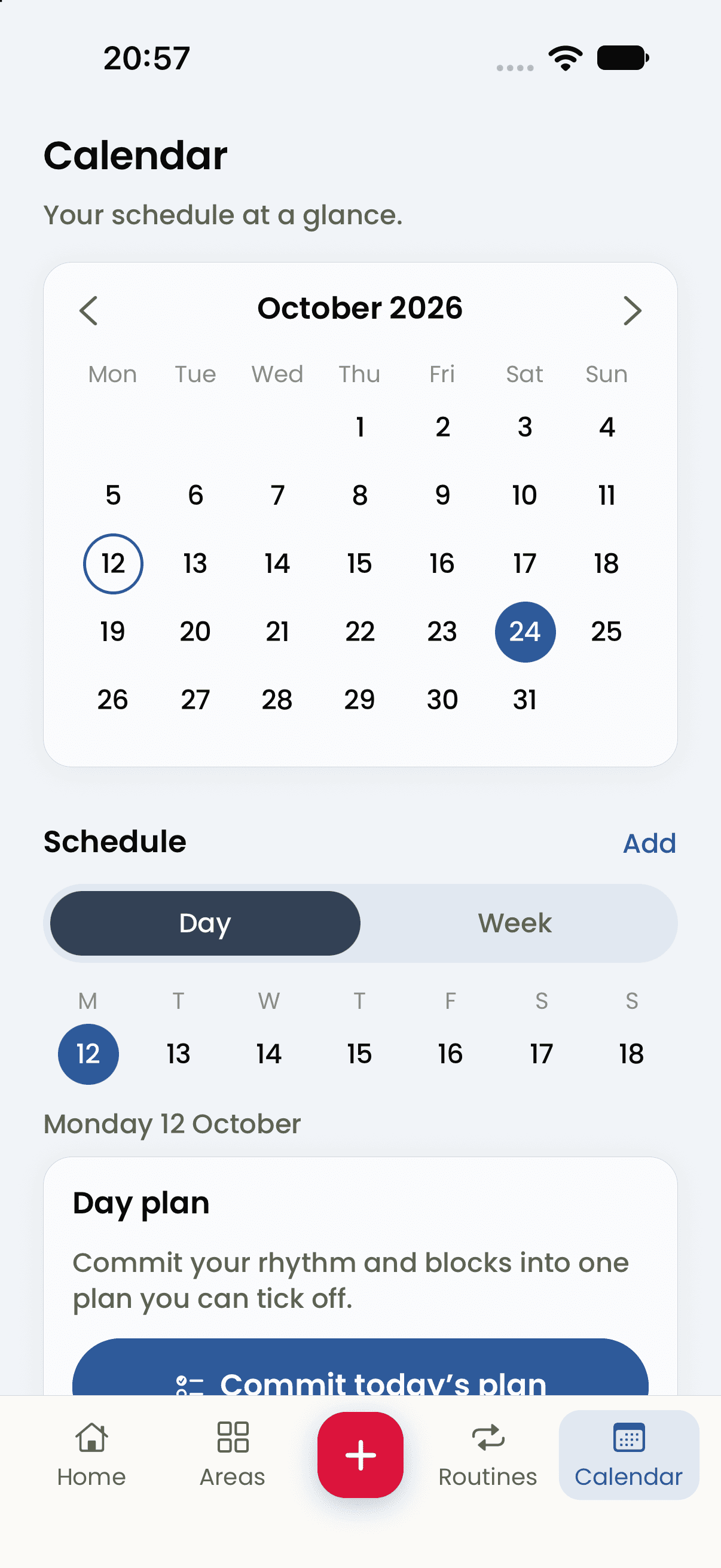
Morning and evening routines, weekly habits, calendar events, wake and sleep anchors and focused work all share the same day. Thrive makes that shape visible before more work is added.
- Flexible routinesDaily, weekly or several times a week, with room to recover after a miss.
- Day and week viewsSee the calendar before committing the plan.
- Focus when usefulStart with five minutes or use a focused session for the task in front of you.
The plan can change
End the day without carrying every loose end into tomorrow.
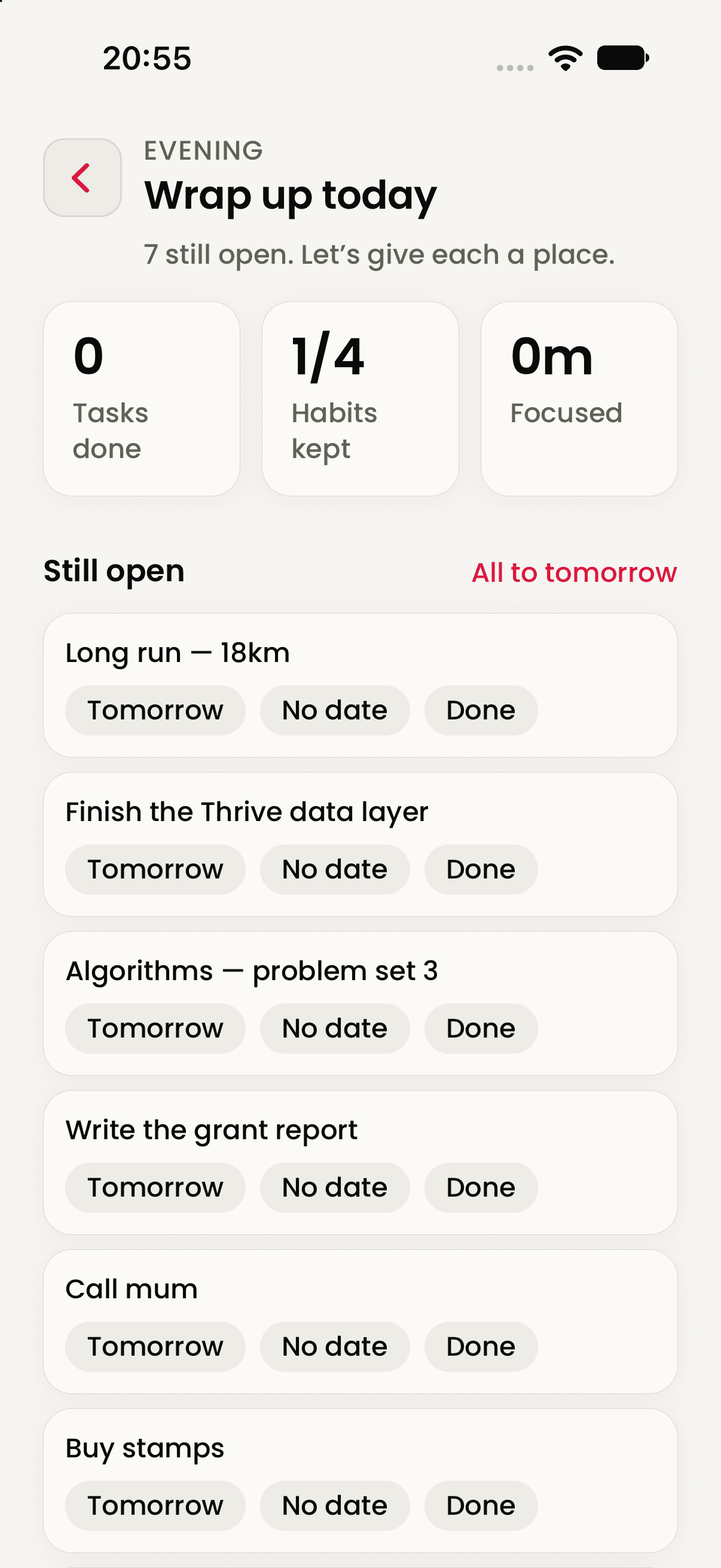
The evening wrap-up puts each open item back in your hands: move it to tomorrow, remove the date or mark it done. Add how the day felt, leave an optional line and decide whether to plan tomorrow now.
Useful in a life with moving parts
Structure without pretending every day is predictable.
Thrive + Arbor
Your commitments can help every guide stay realistic.
The time and capacity visible in Thrive make every Arbor guide more realistic. A packed week here can mean a lighter session in Aevo, a shorter lesson in Sage or a simpler plan from Wend.
Before you join
The practical details.
- Access
- Thrive is in testing. Early access will be announced when it is available. Public beta access has not been announced.
- Platform
- Thrive is currently being tested on iPhone. Wider platform availability has not been announced.
- Account
- You need an Arbor account and must be 18 or older.
- Private planning
- Your tasks, routines and notes stay securely on your phone and can be managed in Thrive.
- AI assistant
- Thrive uses AI to turn what you share into tasks, plans and suggested routines.
- Connected planning
- Calendar, reminders and context from across Arbor help Thrive build plans around the reality of your life.
Thrive · your assistant